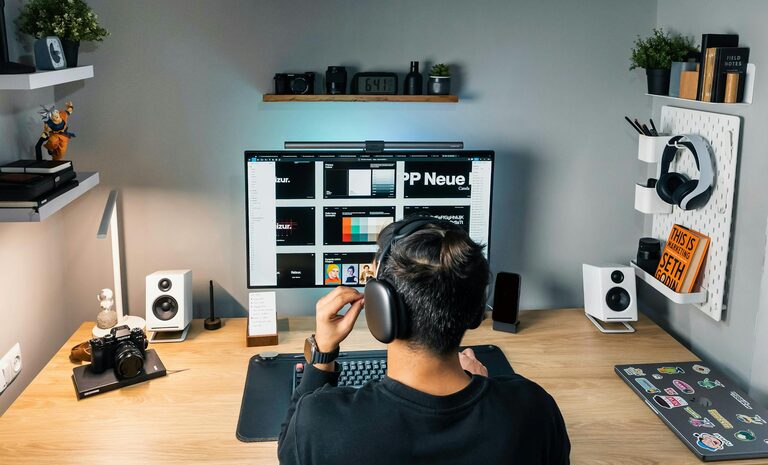
Creating a productive home office is essential for anyone working remotely or managing tasks from home. A well-designed workspace can help improve focus, reduce distractions, and promote a healthy work routine. Whether you have a dedicated room or just a small corner, here are practical tips to help you set up a home office environment that supports your productivity.
Choose the Right Location
Pick a Quiet Spot
Select a place in your home that has minimal noise and distractions. Avoid areas near busy rooms like the kitchen or living room if possible. A quiet corner or spare room works best for concentrated work.
Consider Natural Light
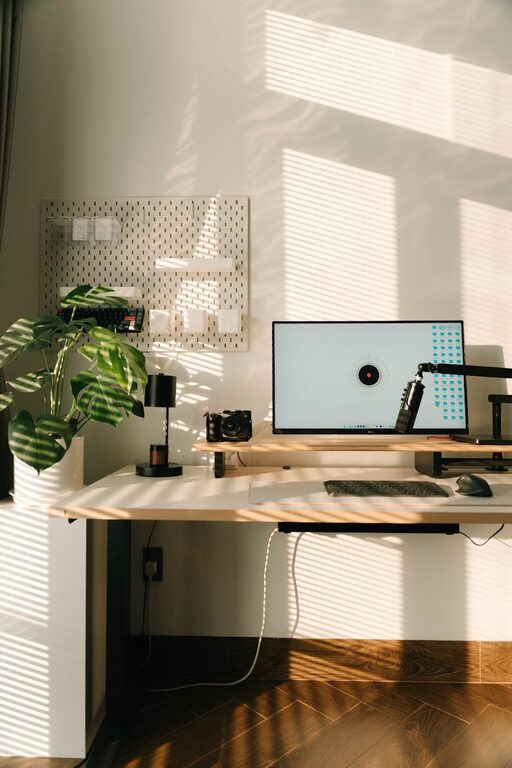
Lighting impacts both mood and energy. Try to position your desk near a window to benefit from natural light. If natural light is limited, invest in good quality LED desk lamps to reduce eye strain during work hours.
Invest in Comfortable Furniture
Ergonomic Chair and Desk
Comfort is key to staying productive for long hours. Choose an ergonomic chair that supports your back and encourages good posture. Pair it with a desk at the right height to avoid strain on your wrists and shoulders.
Keep Essentials Within Reach
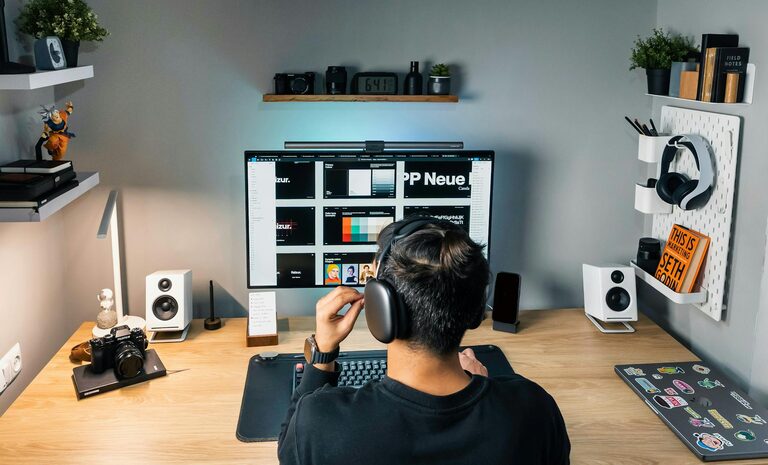
Organize your desk so that frequently used items — like your computer, phone, and notepads — are easy to reach. This minimizes interruptions and helps you stay focused on tasks.
Optimize Your Technology
Reliable Internet Connection
Working from home requires a strong and stable internet connection. If your current setup struggles, consider upgrading your plan or relocating your router closer to your workspace.
Use Necessary Tools and Software
Equip yourself with productivity tools like task managers, communication apps, and time trackers. Keeping software updated and organized can help streamline your work.
Minimize Distractions
Set Boundaries
Communicate your work schedule to family or housemates to minimize interruptions. Use signs or closed doors during focus periods if possible.
Manage Digital Distractions
Turn off unnecessary notifications on your phone and computer. You can use apps that block distracting websites during work hours for added focus.
Organize and Declutter
Keep Your Desk Tidy
A clutter-free workspace promotes clearer thinking. Regularly organize your desk and remove items that aren’t necessary to your current work.
Storage Solutions
Use shelves, drawers, or organizers to keep documents and supplies neatly stored. Label folders and use color-coding to find items quickly.
Personalize Your Space
Add Plants or Decor
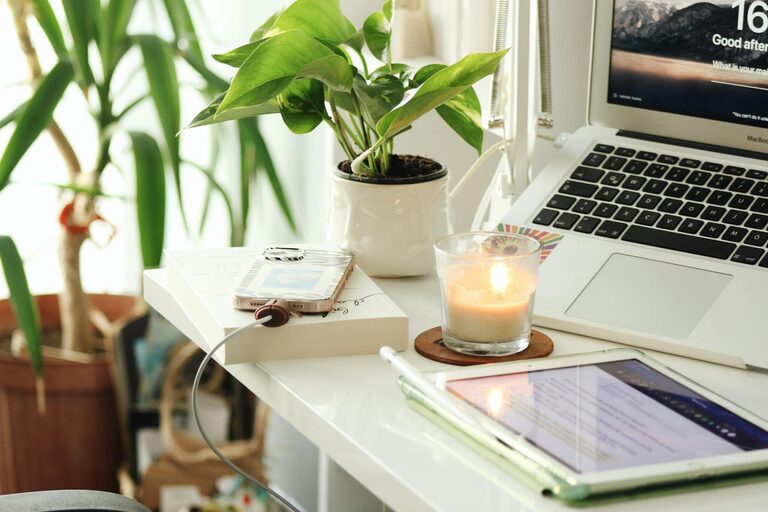
Including a few plants or personal items can make your workspace more inviting and boost your mood. Just be careful not to overcrowd your desk.
Use Inspiring Artwork
Having motivational quotes or artwork nearby can give you small boosts of encouragement throughout the day.
Maintain a Routine
Define Work Hours
Set specific start and end times for your workday to maintain a healthy work-life balance.
Take Breaks
Short breaks every hour help refresh your mind and improve overall productivity. Use this time to stretch, hydrate, or take a quick walk.
Pay Attention to Ergonomics and Health
Proper Screen Height
Your computer screen should be at eye level to avoid neck strain. Use a monitor stand if needed.
Keyboard and Mouse Position
Position your keyboard and mouse so your elbows are at a 90-degree angle, helping prevent repetitive strain injuries.
Stay Hydrated and Active
Keep a water bottle nearby and try simple stretches at your desk to stay hydrated and reduce stiffness.
—
A productive home office environment is not just about having a desk and a chair—it’s about creating a space that supports your work habits, comfort, and focus. By applying these tips, you can build a home office that helps you perform at your best each day. Remember, your workspace should evolve as your needs change, so keep adjusting and improving it for maximum productivity.